The browser reads the file
Your recording is opened from disk and decoded by the browser's own audio engine. It is not uploaded.
Local audio transcription
EarScribe decodes and transcribes your recording inside the browser tab. The file is never sent to a server; the only large download is the speech model, which your browser caches. This page explains what stays on your device, what the page does send, and how to verify it yourself.
Review the transcript before you export
Your recording is opened from disk and decoded by the browser's own audio engine. It is not uploaded.
Whisper runs in a background Web Worker through Transformers.js and ONNX Runtime Web, on WebGPU or the CPU.
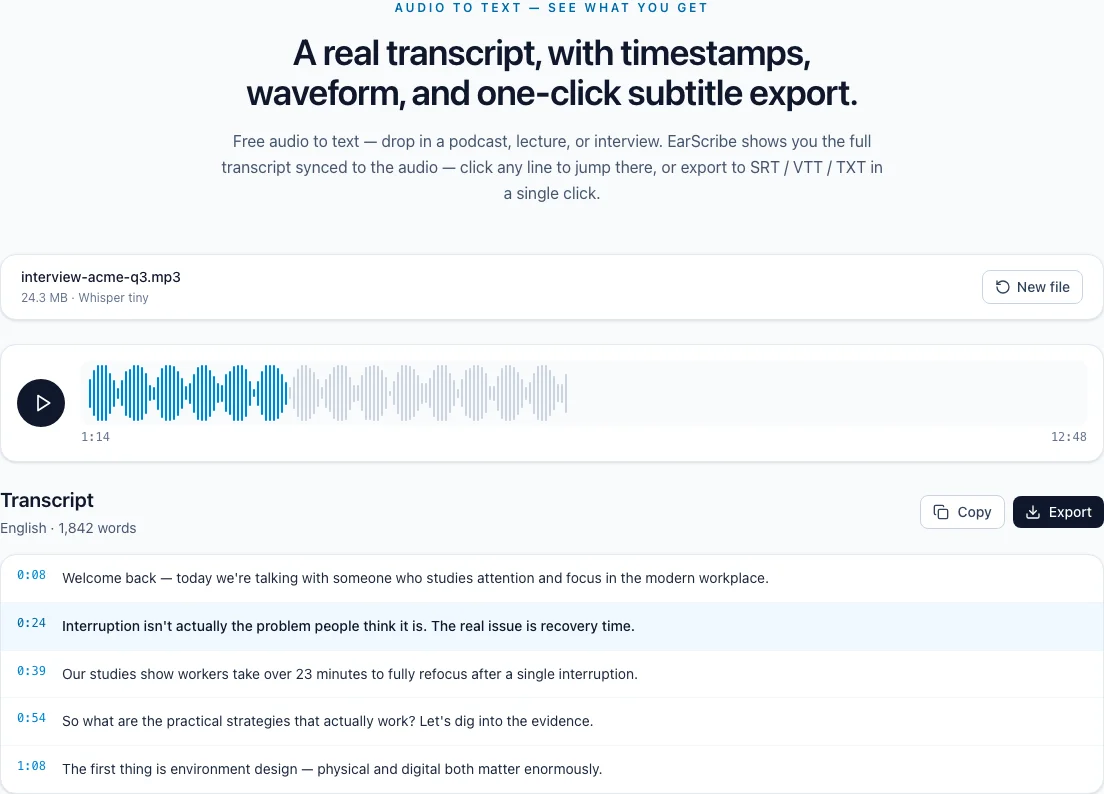
The transcript appears on the page, and a draft is kept in this browser's storage until you clear it.
transcribe audio locally
Most online transcription services upload your file to their servers. EarScribe takes the opposite approach: the model comes to your browser, and the recording stays where it is.
Stays on the device: the audio file, the decoded audio, the transcript, your edits and exported files. Goes over the network: the page itself, the Whisper model files on first use, aggregate analytics events such as a finished transcription (without file names or text), and Google's advertising scripts, as described in the privacy policy.
The model download, roughly 80 MB to 800 MB depending on the model, is cached by the browser, so later sessions on the same device skip it.
In Chrome or Edge, press F12 (Option+Command+I on a Mac) and open the Network tab; Safari needs its Develop menu turned on first. Clear the list, choose a file and transcribe it. On a first run you'll see requests for model files, but none whose size matches your recording.
Sorting the list by size makes this obvious. For a stricter test, transcribe once so the model is cached, reload the page, and watch the network while a second file is processed.
Local transcription suits recordings you can't or don't want to hand to a third party: confidential interviews, internal meetings, research sessions whose consent forms rule out outside services, or personal notes.
It doesn't make a device secure on its own. Malware, browser extensions and shared accounts can still see what you open, so give the transcript the same care as the recording.
Review the transcript before you export
Use a browser profile without unnecessary extensions.
Watch the Network panel once if you need proof.
Clear site data to remove saved drafts on shared devices.
Store exported transcripts where your policies allow.
Browser extensions can read what a page shows. Use a clean browser profile for sensitive recordings.
Exported files and saved drafts live on this device. On a shared computer, delete them and clear the site's data.
Follow your organization's rules for confidential material, even when nothing is uploaded.
No. The file is read and processed in the browser tab, and EarScribe's servers never receive the recording or the transcript.
The page's own code, the Whisper model the first time you use it (through EarScribe's model proxy), aggregate Plausible analytics events without file names or transcript text, and Google's advertising scripts. None of these requests contain your audio.
Not as an installed offline app. You need a connection to load the page and to download the model the first time, but the transcription itself never depends on a server.
Open your browser's developer tools, go to the Network tab and transcribe a file. You'll see the model files on the first run, and no request that carries your recording.