Transcribe the source recording
Use the recommended model first. Noisy field recordings may benefit from a higher-accuracy option on capable hardware.
Interview transcription
Turn research interviews, reporting calls, oral histories and customer conversations into timestamped text. Search for a topic, click back to the exact recording, correct important details and export a clean transcript.
Review the transcript before you export
Use the recommended model first. Noisy field recordings may benefit from a higher-accuracy option on capable hardware.
Search the text, click the timestamp and listen to the surrounding audio before relying on a quote.
Correct names, organizations, numbers and terminology, then export text for notes, coding or publication.
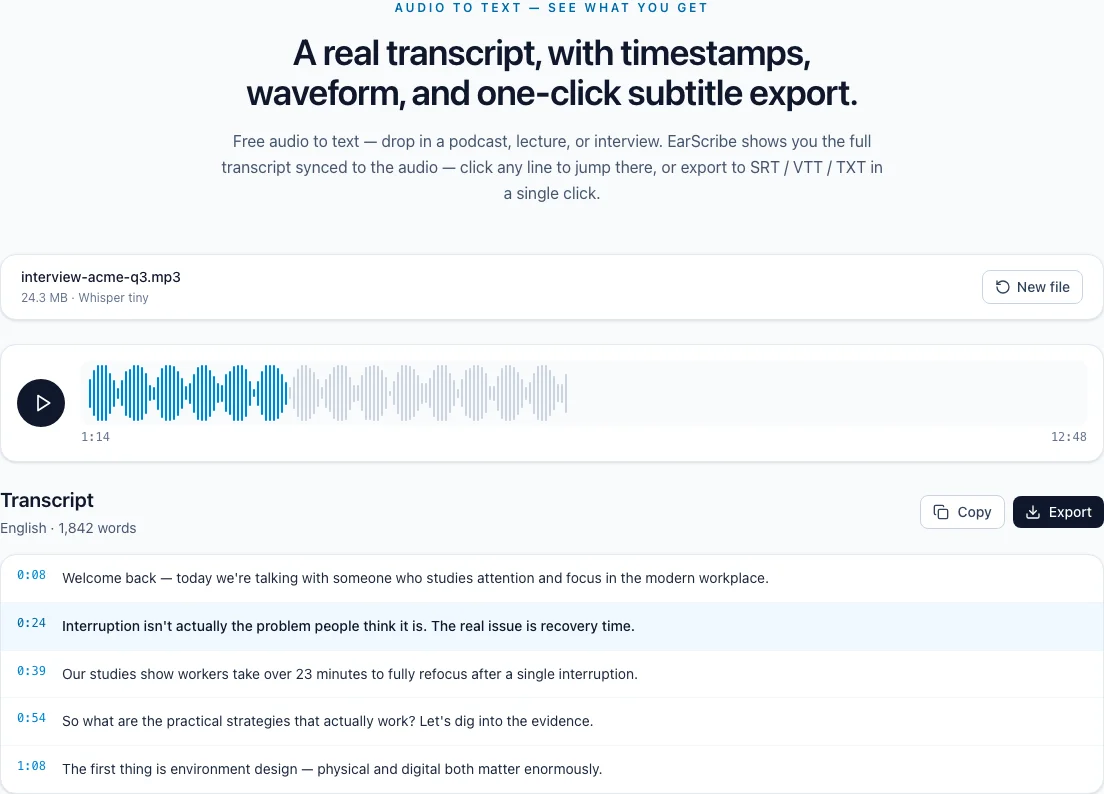
interview transcription tool
Interview transcription is not finished when the words appear on screen. The valuable step is finding a claim, replaying its context, and correcting the details that can change what a source meant.
Search the transcript for a topic, product name or repeated phrase. Timestamps let you jump to the original answer instead of relying on a shortened line copied out of context.
For research and reporting, keep the recording beside the edited transcript. The transcript is a navigation layer and working draft, not an automatic publication-ready quote sheet.
Replay the sentence before and after any quote you plan to use. Check names, organizations, dates and figures against the audio, especially when the speaker is far from the microphone or several people overlap.
EarScribe does not automatically identify speakers. Add speaker labels during your review when the distinction matters to the final document.
Use TXT for a reading draft, JSON when you need segment timing for research tooling, or SRT/VTT when the interview is also becoming a caption track.
Local processing reduces the need to upload an unpublished interview, but your device, browser and exported files still need the controls required by your organization or research protocol.
Review the transcript before you export
Search the exact phrase and save its timestamp before copying it.
Replay the surrounding answer so a short quote does not lose its context.
Verify names, organizations, numbers and specialist language manually.
Add speaker names yourself when the transcript needs them; automatic labels are not provided.
Speaker identification is not automatic yet, so add names where the distinction matters.
Treat punctuation as a reading aid, not evidence of the speaker's exact phrasing.
Keep consent, retention and publication rules separate from the transcription tool itself.
Not yet. The transcript keeps timestamps, but speaker diarization and automatic speaker labels are not currently provided.
No. Always verify quotations, names, numbers and statements that could change meaning or attribution.
The selected audio is processed in the browser and is not uploaded to an EarScribe server. See the Privacy page for model and analytics details.